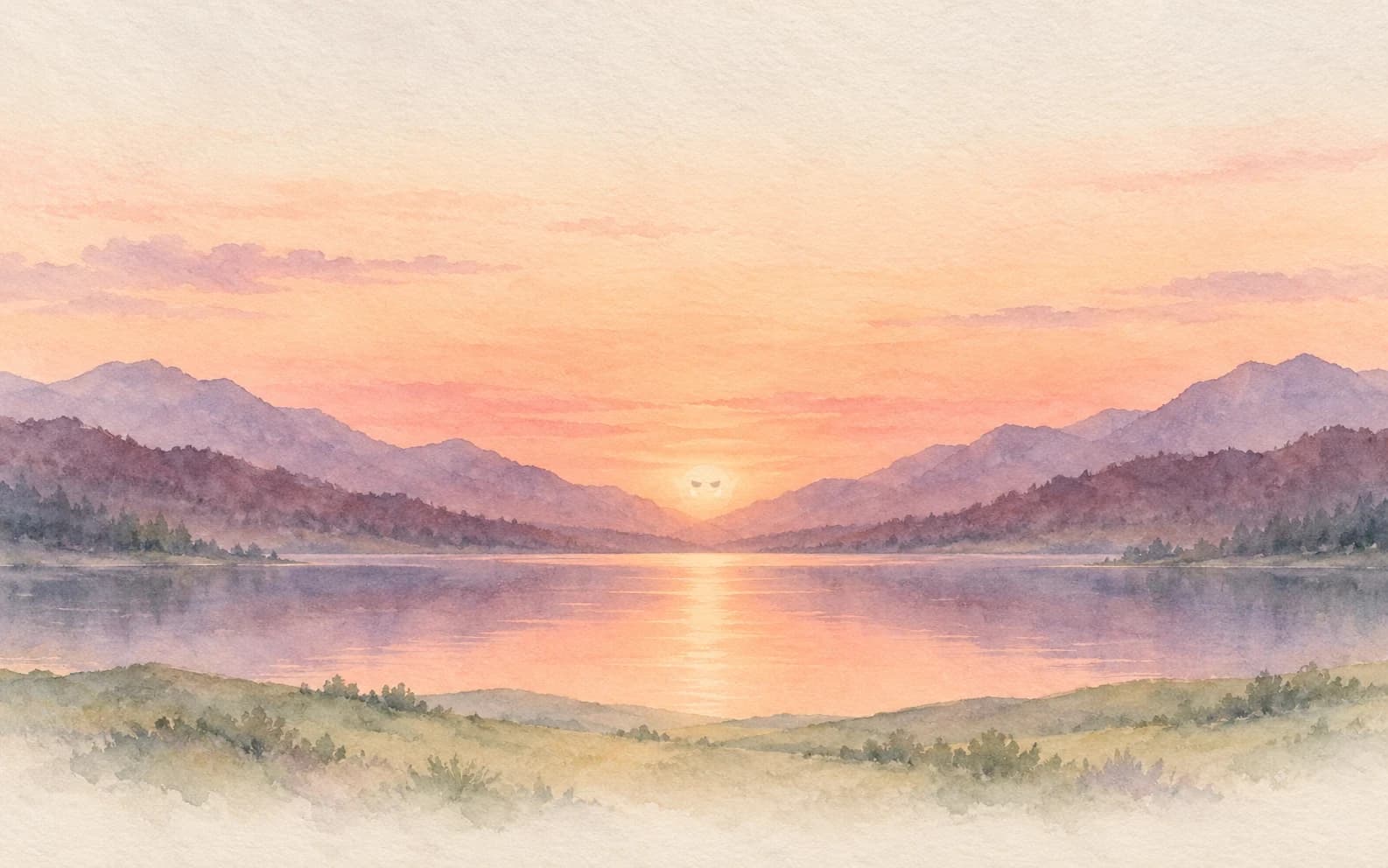
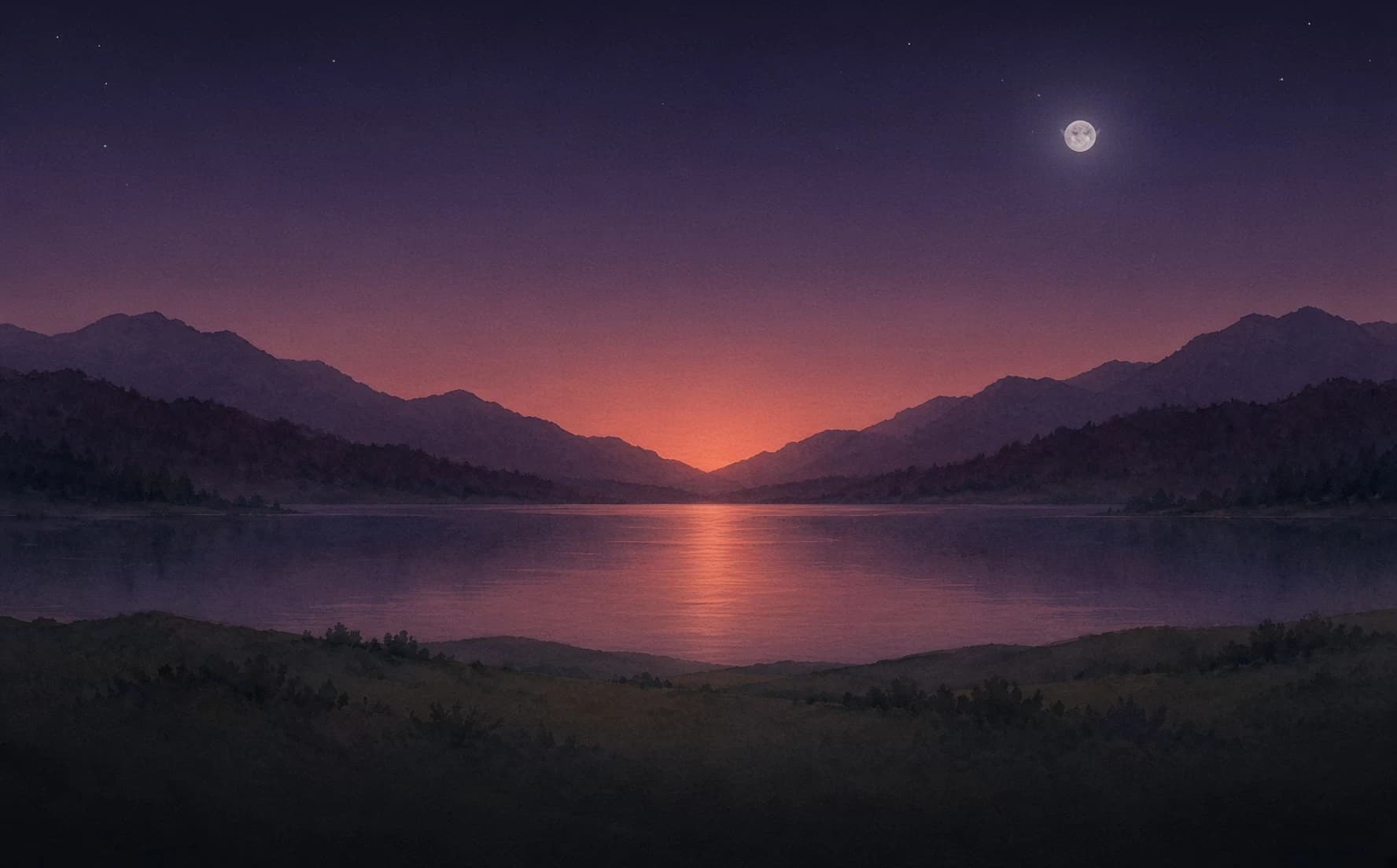
New · Filters and blur for every image
From idea to design in minutes.
A blank canvas, every size from Story to 4K, and the tools to fill it fast: background removal in your browser, 40 fonts, filters, and your team on the same canvas, live.
Open Studio
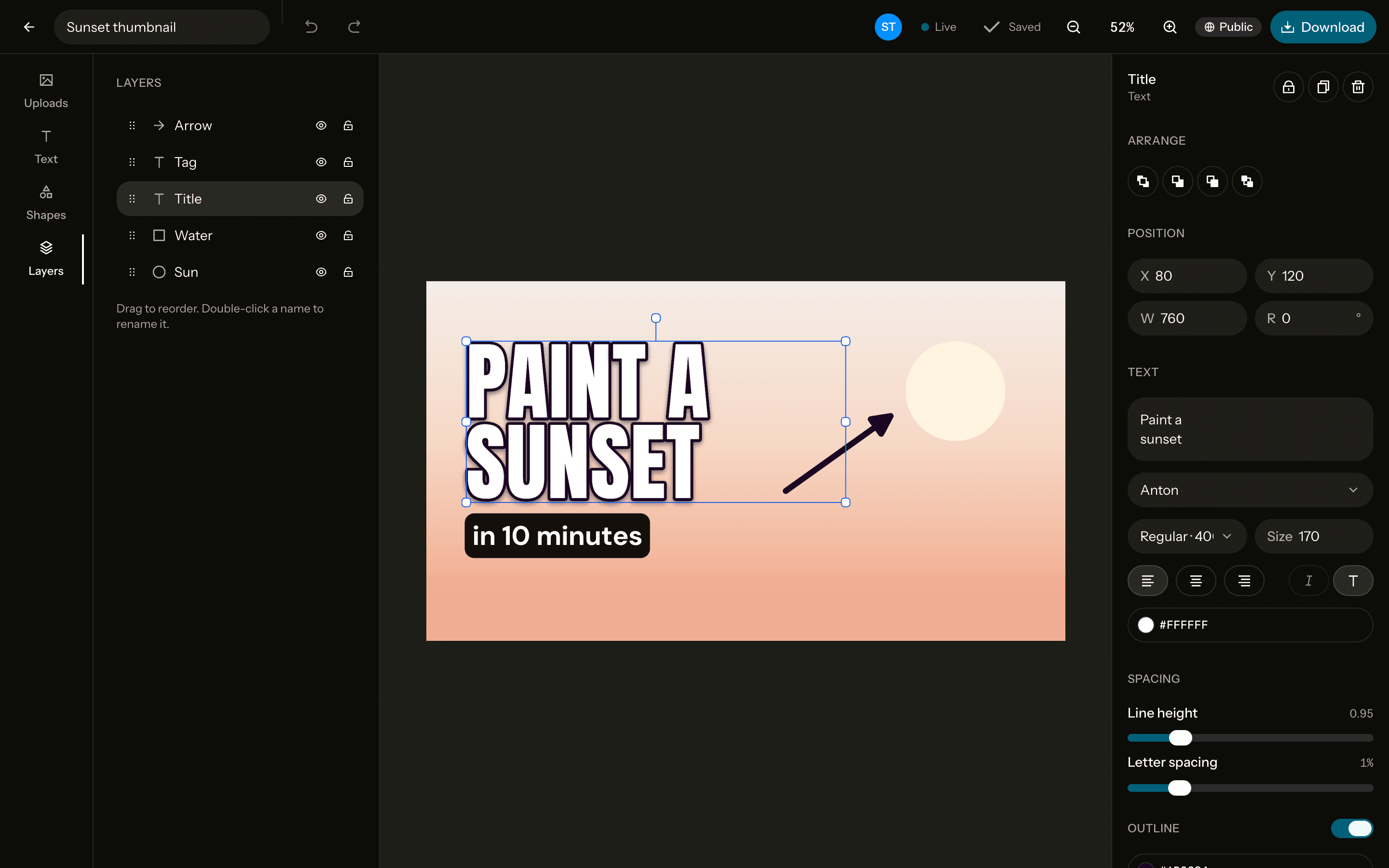
Every size, exact to the pixel
- YouTube thumbnail1280 × 720
- 4K3840 × 2160
- Square1080 × 1080
- Story / Shorts1080 × 1920
- X post1600 × 900
- Open Graph1200 × 630
- curated Google Fonts
- 40
- one-tap looks, each with an intensity slider
- 11
- per background removal, because it runs in your browser
- $0
Everything a thumbnail needs. Nothing it doesn't.
Remove background
One click, run by an open-source model in your browser. No API key, no per-image cost.Filters and adjustments
11 looks previewed on your own photo, plus brightness, shadows, warmth, grain, blur and more.Type that pops
40 curated fonts with outline, drop shadow and highlight, edited right on the canvas.Shapes and layers
Shapes, lines, arrows and gradient backgrounds, ordered in a drag-to-reorder layers panel.Live collaboration
Open a design anywhere and see every cursor, selection and edit as it happens.Exact-pixel export
PNG, JPG or WebP at the size you picked, at 1× or 2×.
Design together, live.
Make a design public and anyone with the link can edit it with you, signed in or not. Yours stay private until you say otherwise. Found one you like? Use it as a template.
Two people editing the same thumbnail: Jay has the title selected while Jonas points at the photo.